


Tutorial Experts DaVinci Resolve Speed Editor

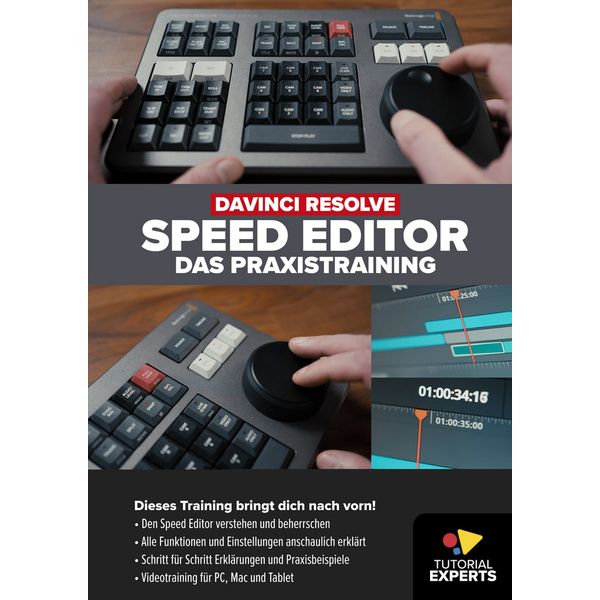
Video Tutorial (Download)
- Interactive video learning course in German for PC, Mac and tablet
- All functions of the Davinci Resolve Speed Editor explained in real-world scenarios and step by step
- Use in standard, multi-camera and ATEM ISO projects
- Basics, operation and workflow explained in an easy-to-understand way
Content:
- Overview of hardware, connectivity and firmware
- Important basics for working in the Resolve Cut Page
- Search dial and navigation with jog, shuttle and scroll modes
- Source and timeline modes
- Video and audio handled separately
- In / Out markings for clips and timeline ranges
- Understanding and using Smart Indicator
- All edit and trim functions in detail
- Create and customise transition effects
- Setting and editing markers
- Multi-camera projects in the Cut Page (Sync Bin) and Edit Page
- Importing and editing ATEM ISO projects
- Using the Speed Editor in the Edit Page
- Tips for efficient cutting in Davinci Resolve
- Common problems and solutions
- Combining Speed Editor with other input devices
-
Available since March 2023
-
Item number 563157
-
Sales Unit 1 piece(s)
-
Content DaVinci Resolve
-
Language German
-
Length 300 min
