

To the page content

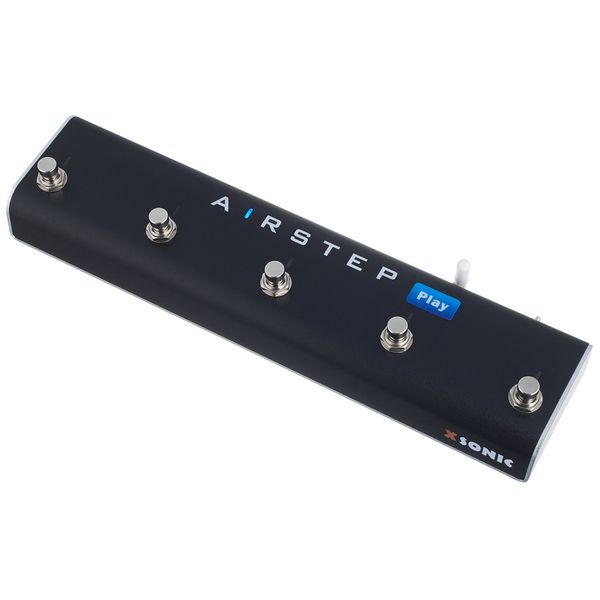
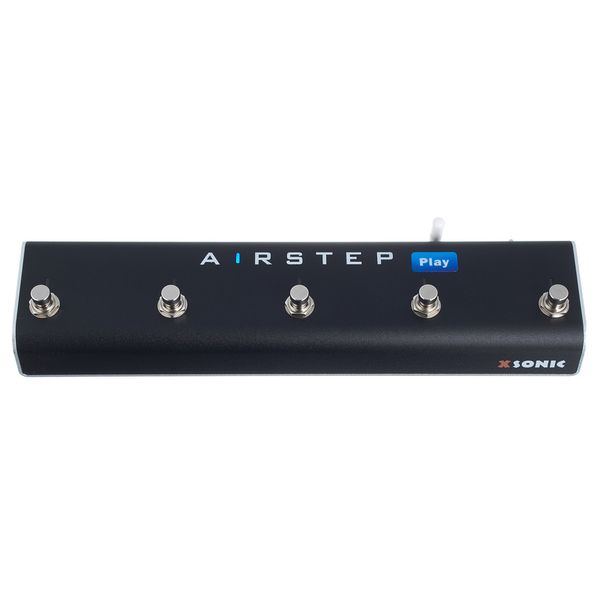
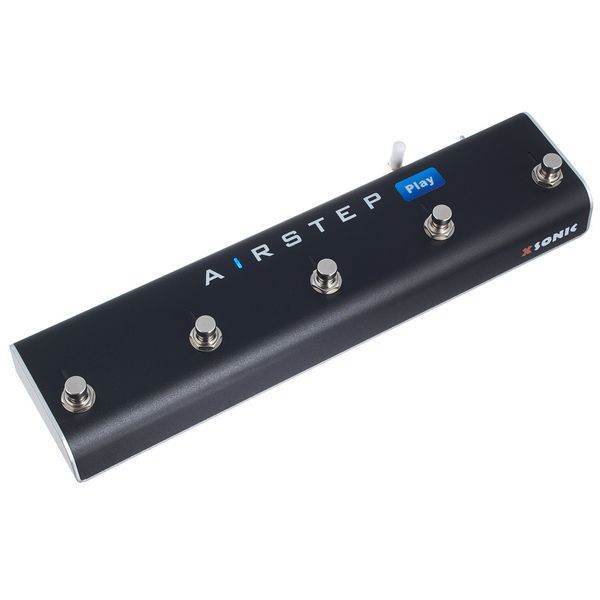
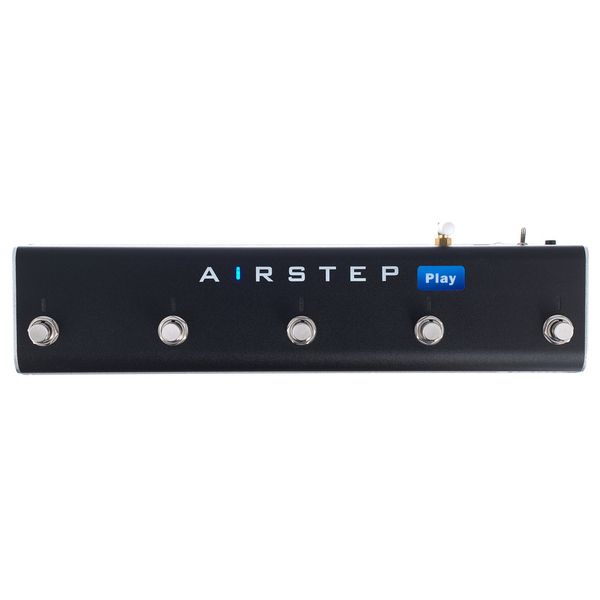
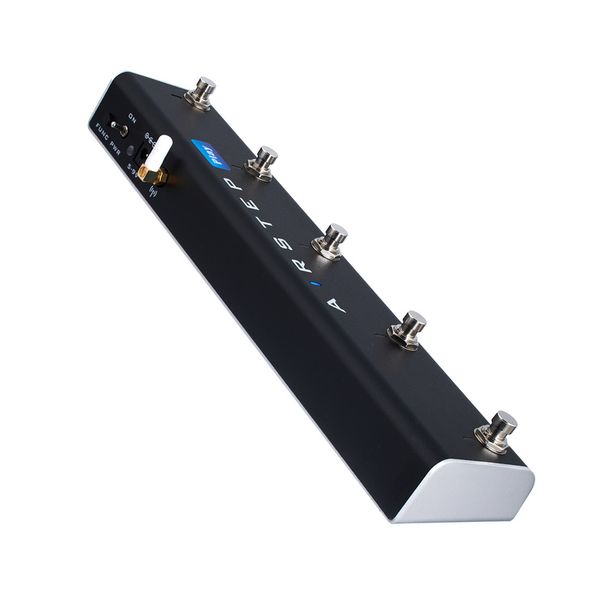
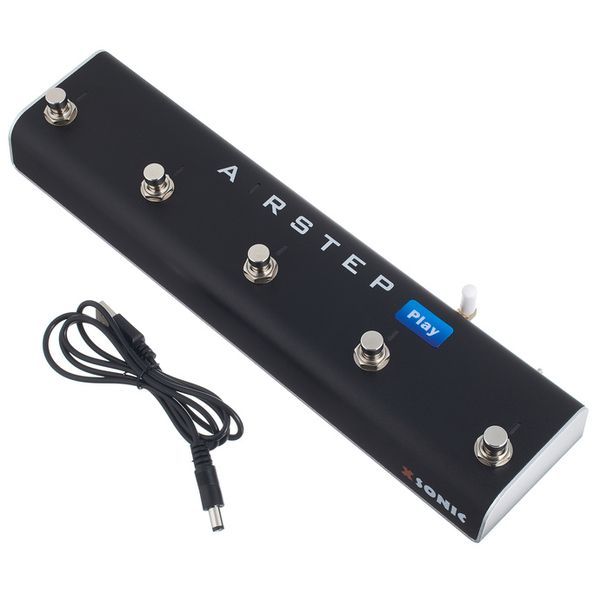
Smart Multi Controller

  • Wireless
  • Controls and switches video, audio and text content on the smartphone, tablet or computer via Bluetooth
  • Integrated battery provides up to 300 hours of wireless operation between charges
  • Compatible with most online video platforms and local audio and video files running on Android, iOS, Mac and PC
  • Allows play, pause, fast forward, rewind and rewind to start, loop any section and change speed and pitch
  • Ideal for controlling YouTube lessons or music files while studying, practicing, jamming and transcribing, or hands-free control of page turning, teleprompting, reading music, scrolling lyrics and tabs, etc.
  • Additional page turner mode
  • Built-in metronome
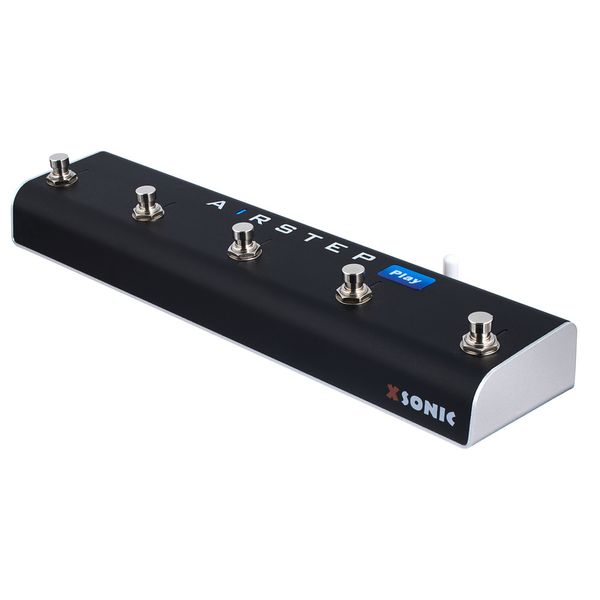
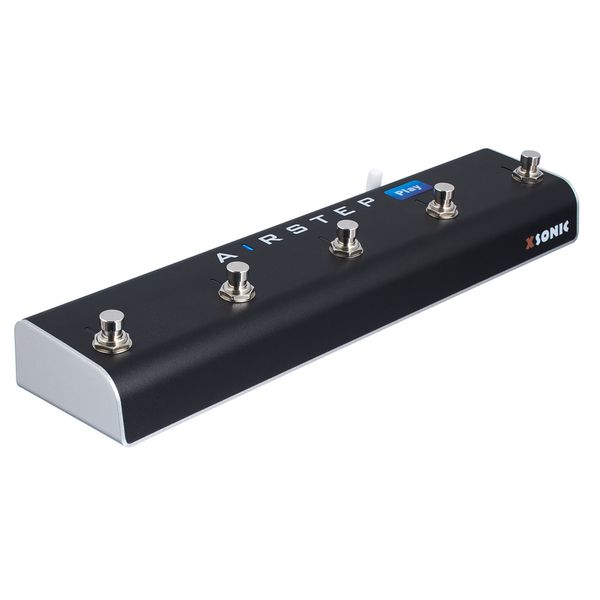
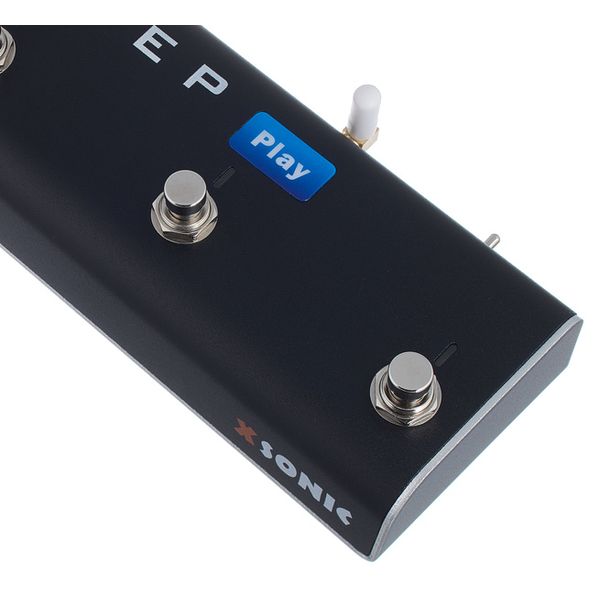
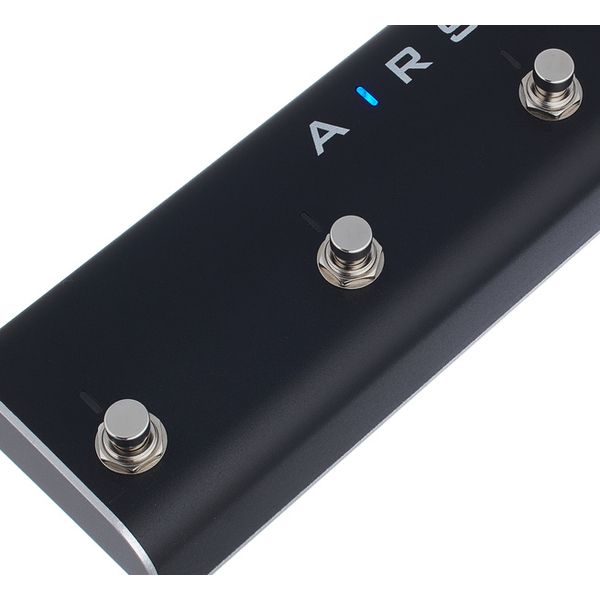
  • 5 Footswitches with status LEDs
  • Intuitive app for editing all settings
  • 30 m range for wireless communication
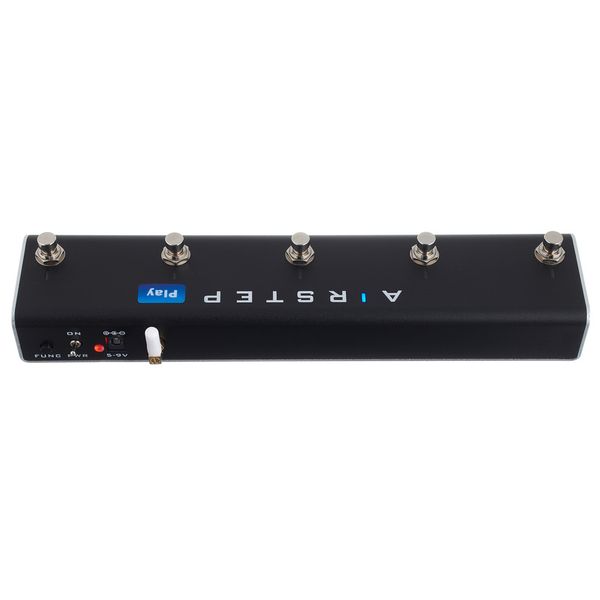
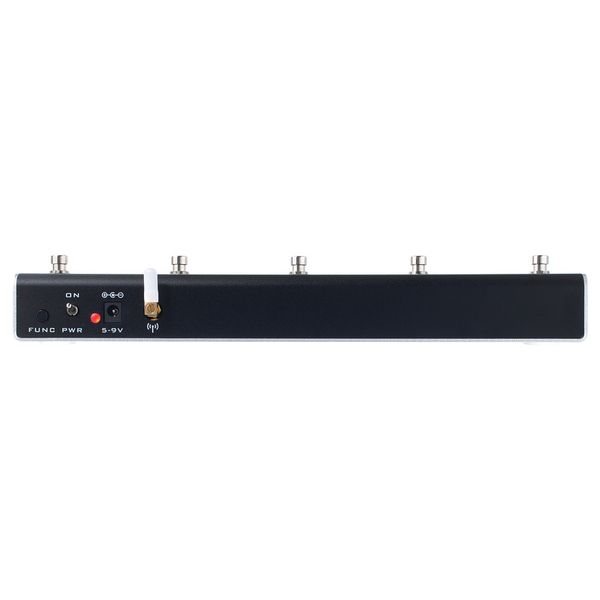
  • Power on/off switch
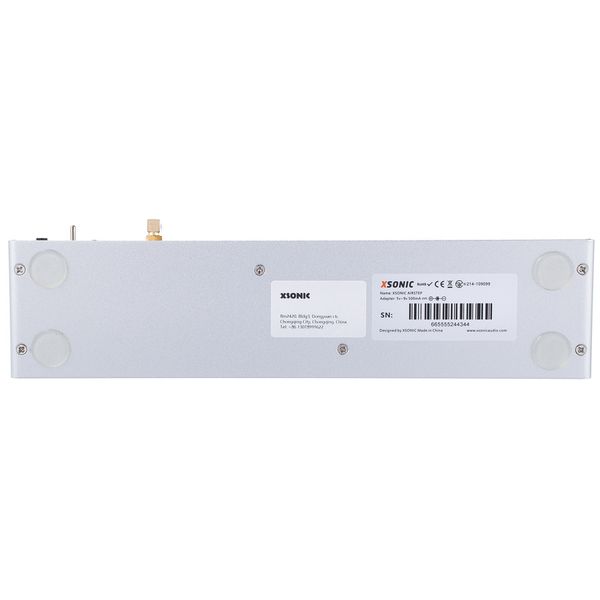
  • Battery can be charged with 9 V DC power adapter (not included)
  • AC adapter connector: 2.1mm x 5.5mm barrel connector, polarity (-) centre
  • Robust aluminium housing
  • Dimensions (L x W x H): 300 x 70 x 45 mm
  • Weight: 700g

Note: Register your product at www.w-distribution.de/Warranty and extend the guarantee to 4 years.

Note Register your purchase at shop.warwick.de/en/warranty-registration for an extended warranty of 4 years.
  • Available since June 2023
  • Item number 562466
  • Sales Unit 1 piece(s)
  • Type Switch
  • LED Display Yes
  • PSU Connector Yes
  • Shape Floor Effects Pedal
  • MIDI Interface No
350,71 AED 83,19 €
The prices shown exclude VAT
The price in AED is a guideline price only
Since we ship from Germany, additional costs through taxes and customs may be incurred
In stock
1

5 Customer ratings

4.8 / 5

features

quality

3 Reviews

google translate pt
Unfortunately there was an error. Please try again later.
V
É bom, mas falta opção de funcionar sem o app deles
Vando 14.05.2025
Achei interessante, mas gostaria que funcionasse de maneira mais intuitiva e com outros players de audio, fica limitado ao uso do app deles e isso nao gostei. Mas o material é bom!
features
quality
1
0
Report

Report

google translate de
Unfortunately there was an error. Please try again later.
W
Externe Videosteuerung mit AIRSTEP PLAY
Wolfgang1955 14.08.2026
Ich steuere mit dem AIRSTEP PLAY Videos in Youtube und (Tutorial-)Videos auf meinem Windows-PC. Für beide Steuerungsarten möchte ich eine kurze Anleitung geben:
1. Für beides Steuerungsarten gilt:
- Google Chrome installieren
- Im Web-Store von Chrome die Erweiterung „Airstep Play“ installieren.
Die Erweiterung ist dann als Symbol unten rechts im Chrome-Fenster zu sehen.
- Doppelklick auf die Erweiterung – es öffnet sich ein Fenster mit dem der AIRSTEP PLAY via Bluetooth mit einem PC verbunden werden kann.
- Dann ist das Steuerungsfenster des AIRSTEP PLAY zu sehen

2. Steuerung eines Youtube-Videos:
- Youtube-Videos lassen sich jetzt im Chrome-Browser direkt mit dem AIRSTEP PLAY steuern

3. Steuerung eines Videos auf einem Windows-PC
- Ein Video, das auf der PC-Festplatte gespeichert ist lässt sich öffnen, indem man im Steuerungsfenster des AIRSTEP PLAY (s.o.) auf das Symbol ≡ klickt.
- Dann öffnet sich ein Fenster und man kann unter „Local Videos“ die gewünschte Datei auswählen und starten. Das lokale Video wird dann in der Oberfläche von Chrome abgespielt und lässt sich mit dem AIRSTEP PLAY steuern
Eine DIREKTE Steuerung der Videos auf dem PC – ohne Chrome - ist nicht möglich.
Der AIRSTEP funktioniert unter diesen Bedingungen bestens !
Die Bluetooth-Verbindung ist stabil.
features
quality
0
0
Report

Report