


Presonus Faderport V2

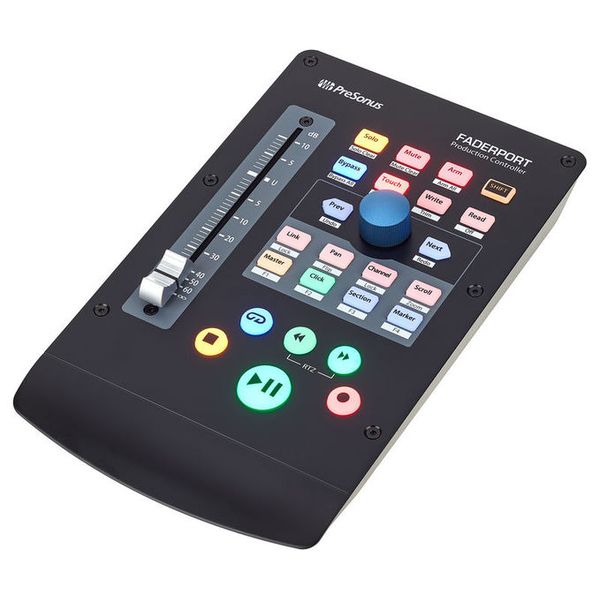
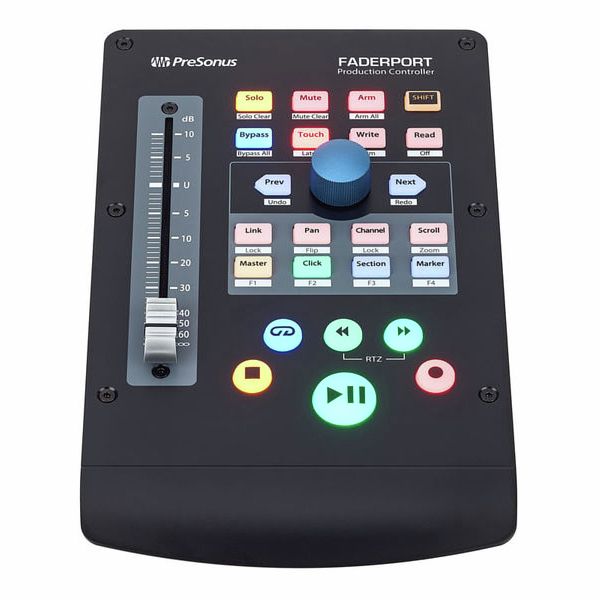
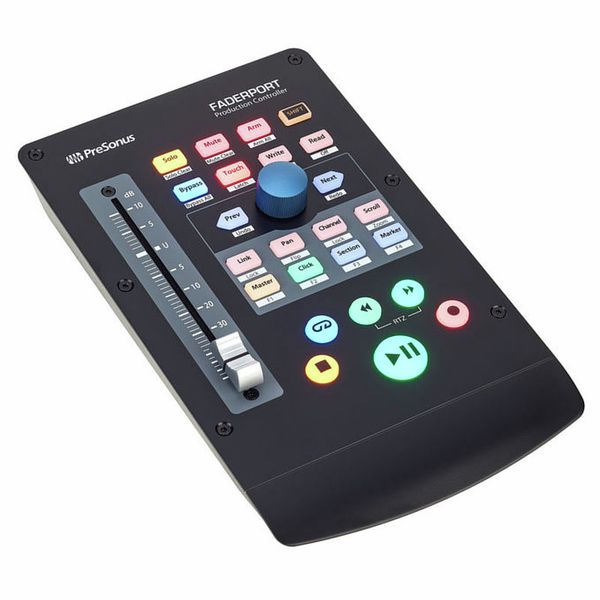


DAW Controller with USB 2.0 Port
- Seamless integration with Fender Studio Pro
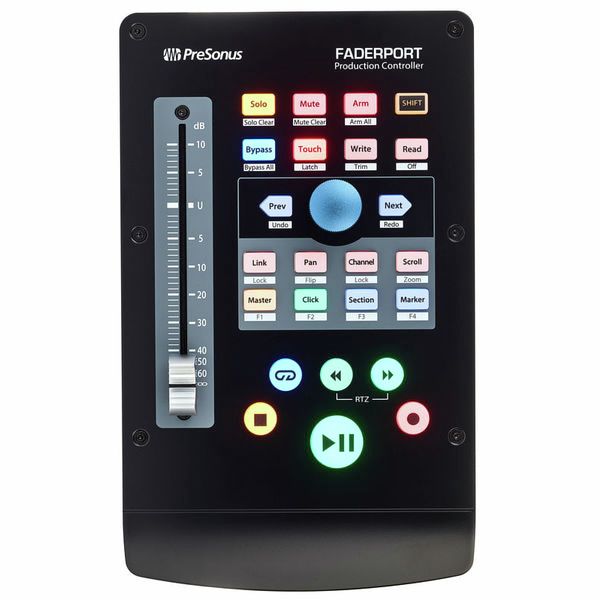
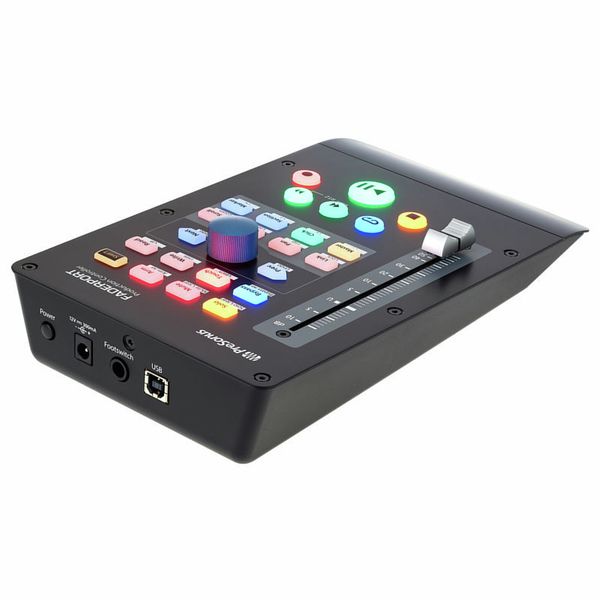
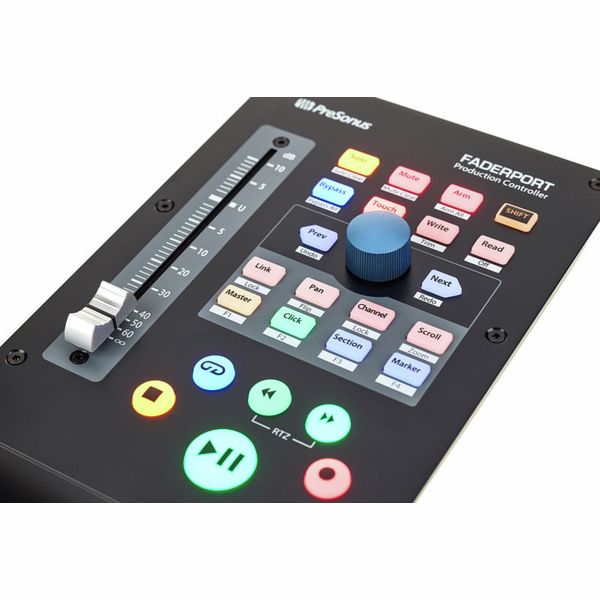
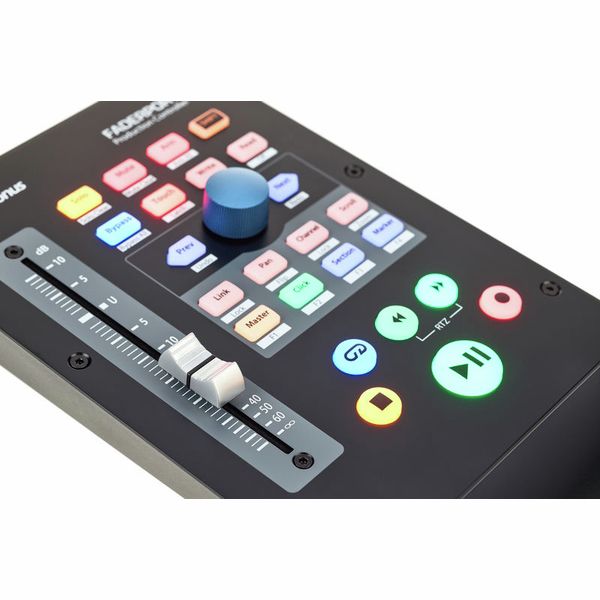
- Touch-sensitive 100 mm motor fader - resolution: 10 bits, 1024 steps
- Transport buttons with start/pause, record, stop, forward, rewind, RTZ and loop
- Function buttons such as bypass, mute, solo, automation touch/write/read
- 360º rotary controllers
- Buttons for channel, panorama, scroll, click, marker, zoom
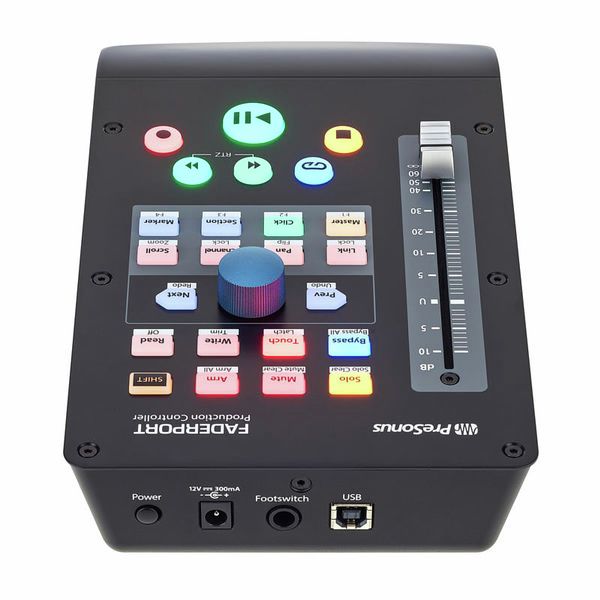
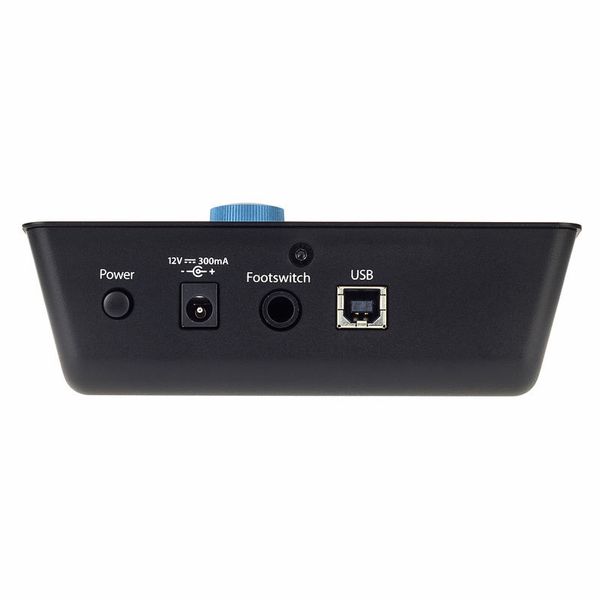
- Footswitch connector
- System requirements: Windows 7 x64/x86 SP1 or later, macOS 10.11 64-bit or later, Fender Studio Pro Support and HUI / Mackie Control Universal Emulation
- Dimensions (W x H x D): 230 x 45 x 140 mm
- Weight: 0.68 kg
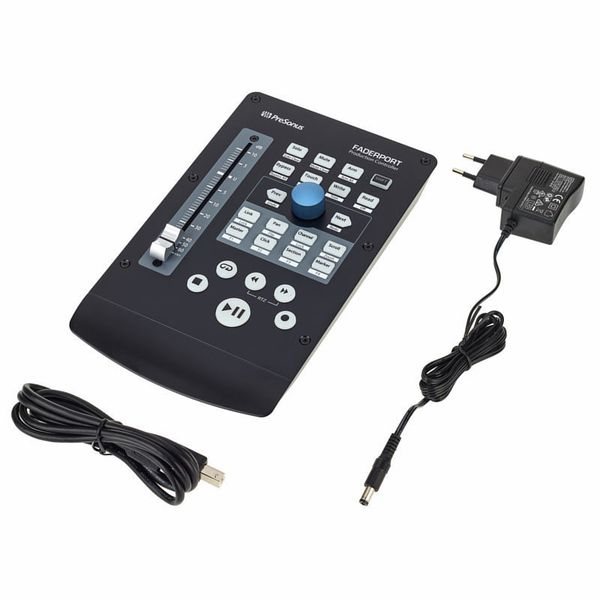
- Includes an external 12 VDC, 1.2 A power supply and Fender Studio Pro Perpetual (download)
- Suitable protective cover: Art. 514843 (not included)
-
Available since October 2018
-
Item number 444252
-
Sales Unit 1 piece(s)
-
USB Yes
-
Bluetooth No
-
5-pole DIN MIDI No
-
Ethernet No
-
Fader 1
-
Rotary Encoders 1
-
Audio I/O No
-
Transport Function Yes
-
Footswitch connection Yes
-
Foot Controller Connection No
-
Bus-Powered No
-
Jog No
-
Joystick No
-
Additional Features Touch sensitive Motor Fader


Hands-on control and automation
The Presonus FaderPort V2 is a compact, tactile, and workflow-enhancing controller designed to streamline and automate essential music production tasks in any DAW environment. At its core is a 100mm touch-sensitive, motorised fader – an impressive feature at this price point – ideal for riding levels and writing real-time automation with an authentic feel. This desktop unit also features dedicated transport, channel, and automation controls, plus an intuitive Session Navigator that provides instant access to over 40 essential functions, including track scrolling, zooming, and marker placement. Compatible with all major DAWs via Mackie Control and HUI protocols, the Presonus FaderPort V2 delivers studio-grade tactile control at an affordable price, and is a significant upgrade on mouse-and-keyboard-only workflows.

)
Versatile and intuitive controls
The Presonus FaderPort V2 features not only a 100mm motorised fader but also a full transport section with dedicated solo, mute, and record arm buttons, along with backlit switches for selecting automation modes such as Touch, Latch, Trim, Write, and Read. The prominent central encoder supports timeline and track navigation, zooming, panning, and parameter adjustments – ideal for managing complex sessions or fine-tuning plug-ins. A footswitch input (not included) allows hands-free punching in and out (perfect when playing an instrument), while the soft-touch toggle switches and the encoder’s gentle detents – subtle tactile 'clicks' felt as it rotates – offer continuous tactile feedback for confident, intuitive, and hands-on operation.
DAW-agnostic
While the Presonus FaderPort V2 offers full, driverless integration with Presonus Studio One and Ableton Live, it also supports virtually all major DAWs via Mackie Control Universal (MCU) and Human User Interface (HUI) protocols: widely used standards that enable deep, bidirectional control. Logic Pro, Cubase, Pro Tools, and others are supported with plug-and-play operation via USB, no drivers required for basic use. Preset modes can be activated using simple button combinations on startup, allowing the FaderPort to adapt quickly to different DAW environments. Thanks to its protocol-based architecture, custom function mapping is also supported, enabling detailed, responsive control in virtually any studio configuration.
)
About Presonus
Presonus is a US company founded in 1995 by Jim Odom and Brian Smith in Baton Rouge, Louisiana. The firm designs hardware and software at both professional and more affordable levels for musicians and producers. Presonus first made a splash in the mid-1990s with the DCP8, an eight-channel analogue compressor/limiter/gate with fader and mute automation that could be digitally controlled by MIDI. In the early 2000s followed a series of microphone amplifiers and the first audio interfaces for the then-emerging home studio scene. Today, the company's product range includes audio interfaces, microphone preamps, digital mixing consoles, and studio monitors as well as the established DAW software Studio One.
Everyday mixing and automation
Mix automation plays a critical role in achieving a polished final result. The high-resolution motorised fader on the Presonus FaderPort V2 provides continuous visual and tactile feedback, helping producers shape expressive volume curves and execute precise mix adjustments – whether riding a vocal or jumping to a session marker. Equally at home in the studio or as part of a mobile setup, it's a natural fit for daily workflows, with an intuitive layout that keeps essential functions within easy reach. The FaderPort's compact footprint, solid build quality, and deep DAW integration make it an ideal control surface for producers, mixers, and songwriters seeking hands-on automation without breaking the bank.
)
In the spotlight: MCU and HUI protocol support
To ensure broad compatibility beyond Studio One, the Presonus FaderPort V2 can operate in multiple control modes, easily activated via button combinations during startup. These modes employ the Mackie Control Universal (MCU) and Human User Interface (HUI) protocols – two long-standing standards originally developed by Mackie to streamline communication between DAWs and external hardware controllers. By supporting both MCU and HUI, the Presonus Faderport V2 offers full integration with virtually all major production platforms, including Logic Pro, Pro Tools, Cubase, and Ableton Live – making it a versatile and affordable choice for any professional or home studio setup.
This is what customers who viewed this product bought

Accessories & matching items
Compare options
-
Presonus DAW Controllers at a glance
-
Display DAW Controllers from AED 140 - AED 180
-
Go to product group DAW Controllers
-
Go to product group Studio Controllers and Remotes
-
Go to product group Controllers
-
Go to product group Studio and Recording Equipment
-
Show manufacturer details for Presonus
-
Presonus Studio and Recording Equipment at a glance