


Elgato Stream Deck XL

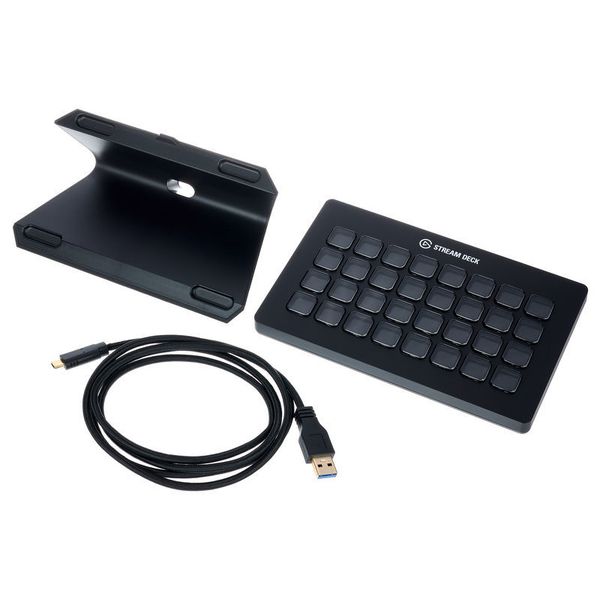


Elgato Stream Deck XL
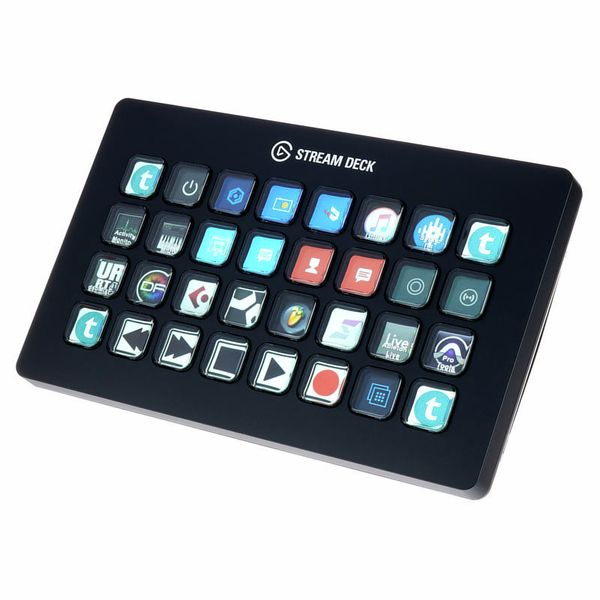
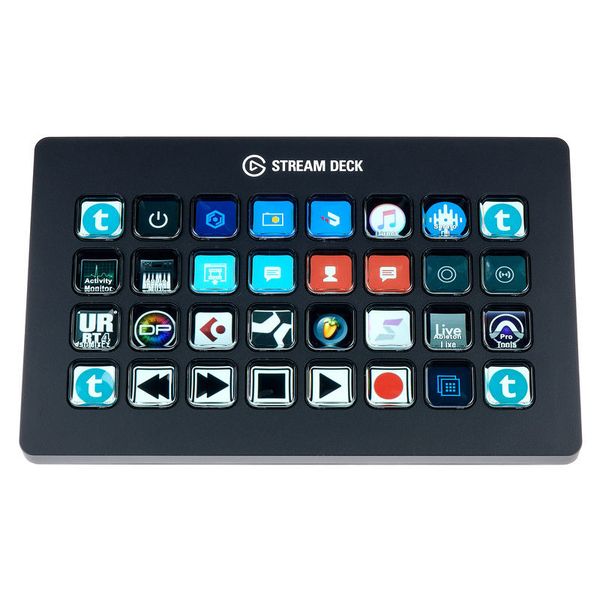
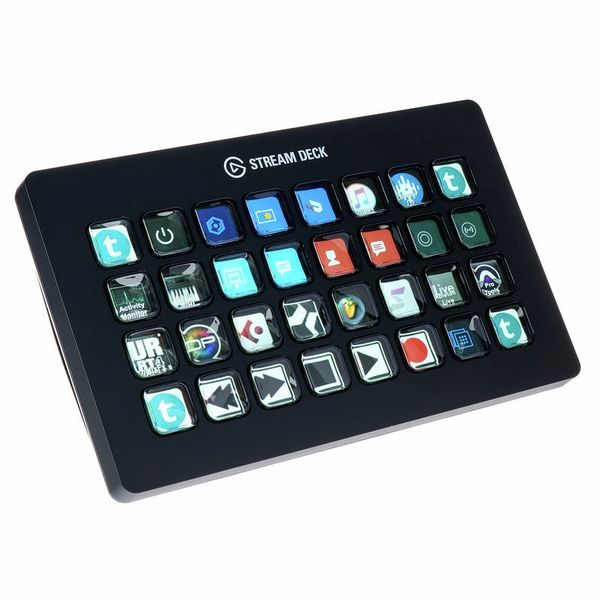
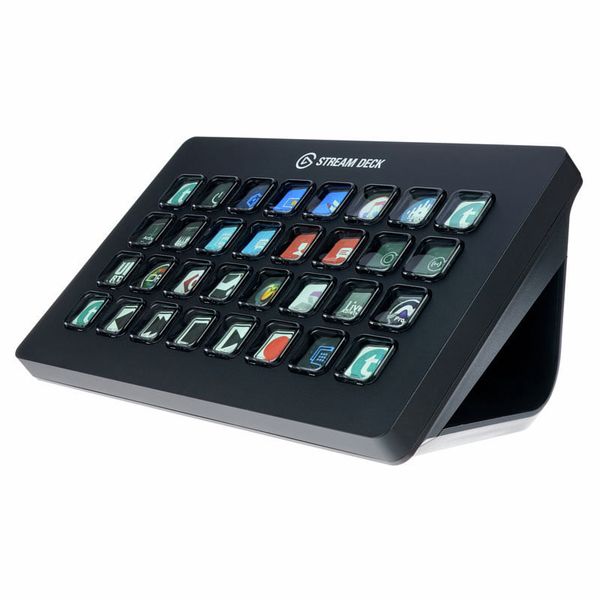
- USB 3.0 controller with 32 customisable LCD buttons
- Ideal for controlling DAWs via short cut occupancy
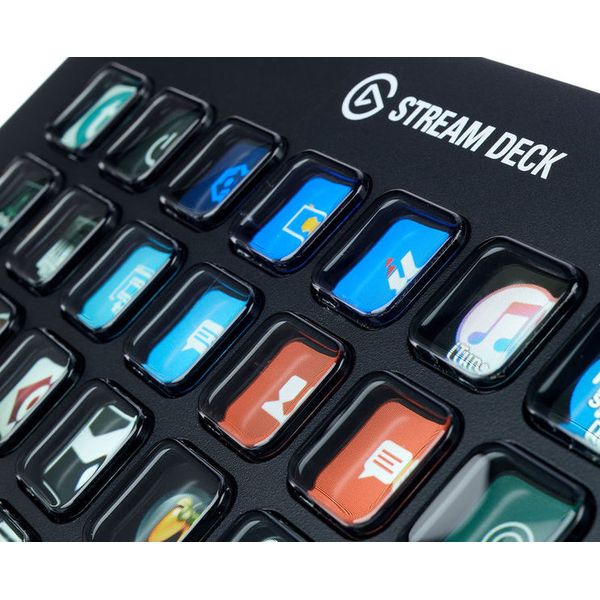
- Completely customisable with own or ready-made icons
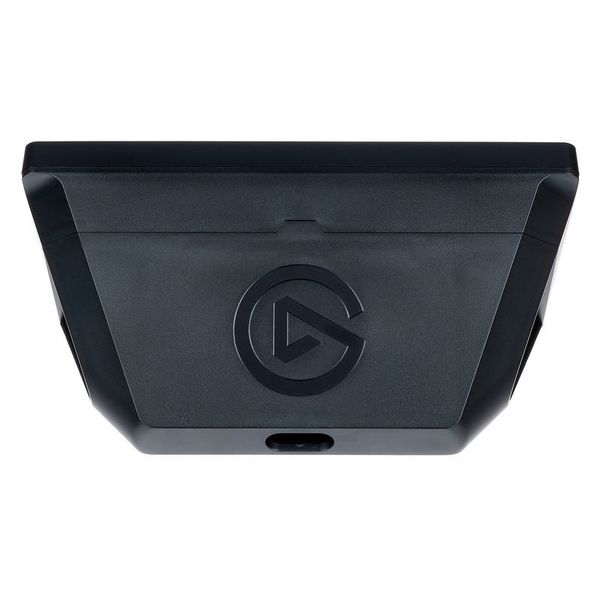
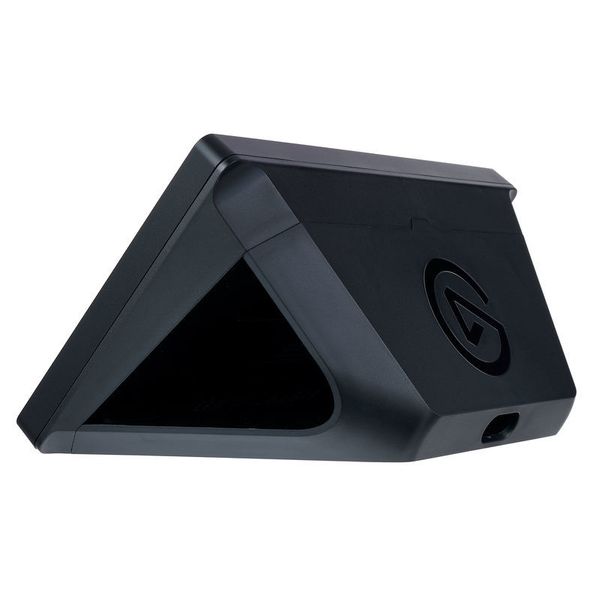
- Includes magnetic stand, USB-C to USB-A cable and short instructions
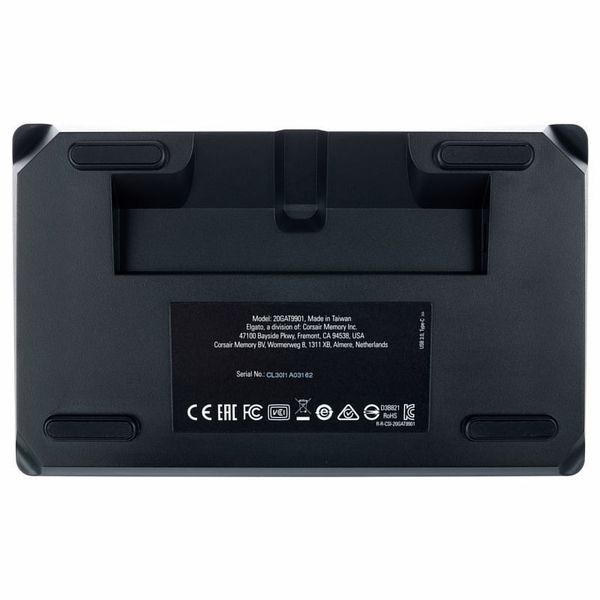
- For Windows 10 (64-bit) and macOS 10.13 or later
- Dimensions without stand (W x H x D): 182 x 112 x 34 mm
- Weight without stand: 410 g
-
Available since June 2019
-
Item number 467200
-
Sales Unit 1 piece(s)
-
USB Yes
-
Bluetooth No
-
5-pole DIN MIDI No
-
Ethernet No
-
Fader 0
-
Rotary Encoders 0
-
Audio I/O No
-
Transport Function Yes
-
Footswitch connection No
-
Foot Controller Connection No
-
Bus-Powered Yes
-
Jog No
-
Joystick No
-
Additional Features 32 User LCD Keys
Fully customisable DAW controller
The Elgato Stream Deck XL is a universal DAW controller that can be adapted to any user's personal needs with a remarkable degree of freedom and flexibility. The hardware was originally developed for live streaming video content via YouTube, Twitch and the like, but it's also extremely well suited to controlling DAW software. Thanks to its simple folder structure, the device's 32 buttons – each one a tiny, customisable LCD screen! – can be freely assigned up to 210 keyboard shortcuts (or other actions). The ability to freely assign thumbnails to each of these keys ensures users also have a clear overview of their options, making it easy and intuitive to work just the way they want.

Organised keyboard shortcuts
Keyboard shortcuts are essential for a good workflow when using a DAW. With the software included with the Elgato Stream Deck XL, users can assign any imaginable key combination, no matter how complex, to a single LCD key on the controller. Apart from this, other actions such as starting programmes or opening websites can also be triggered. To create the personalised thumbnails that are displayed on the LCD keys, simply use screenshots or any other suitable images – another avenue for every musician's creativity!
)
Interesting for anyone and everyone
Thanks to its universal concept, the Elgato Stream Deck XL is suitable for use with any conceivable software that can be controlled via keyboard shortcuts – this of course applies to every DAW on the market. Whether it's Apple Logic, Ableton Live, Steinberg Cubase, Avid Pro Tools, Presonus Studio One or any other more or less established application – any software suite with lots of hotkeys can be made immensely more intuitive and accessible with the Elgato Stream Deck XL. Equally, the complex software used in other creative fields besides music, such as image editing or video production, also lends itself well to the Stream Deck.
)
About Elgato
The Elgato brand was launched in 2002 as an in-house brand of the German company Elgato Systems, which was itself founded by Markus Fest in 1992. Elgato, with its headquarters in Munich, manufactures consumer electronics with a focus on video streaming. The company's portfolio includes several capture cards which allow audio and video output signals to be recorded and transmitted to computer screens, as well as numerous compatible accessories and software products. Elgato's entire lineup is designed in Germany and in California and sold in over 80 countries. In July 2018, Elgato was purchased by Corsair Components, where it continues to operate as an independent brand.
)
From simple transport functions to complex macros
The Elgato Stream Deck XL can trigger any action in a DAW software, however complex, that can also be activated via a keyboard shortcut. The most common tasks of a DAW controller include transport functions such as play, stop, and record, and also opening windows such as the mixer or the plug-in browser. Producers who like to assign complex chains of commands (macros) to a hotkey in their DAW can also control them via the Elgato Stream Deck XL – and since the 32 LCD buttons are, of course, backlit, the device can even be used in the dim lighting conditions of a stage or studio.
This is what customers who viewed this product bought

Accessories & matching items
Compare options
-
Elgato DAW Controllers at a glance
-
Display DAW Controllers from AED 200 - AED 300
-
Go to product group DAW Controllers
-
Go to product group Studio Controllers and Remotes
-
Go to product group Video Controllers
-
Go to product group Controllers
-
Go to product group Studio and Recording Equipment
-
Show manufacturer details for Elgato
-
Elgato Studio and Recording Equipment at a glance