
XVive MD1 Wireless MIDI System

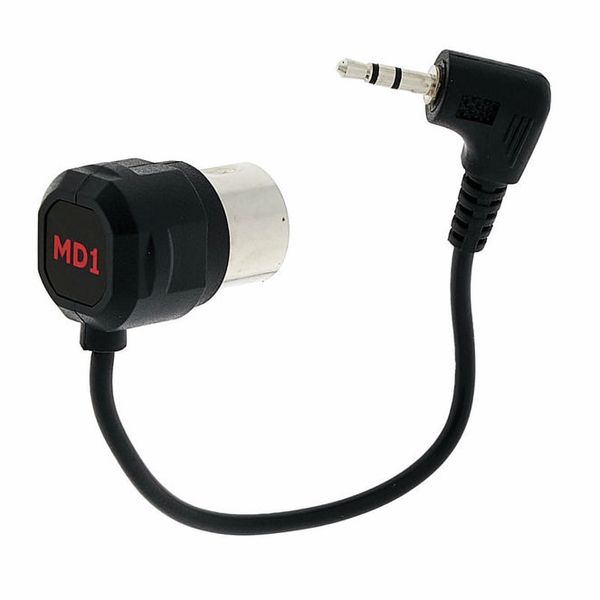
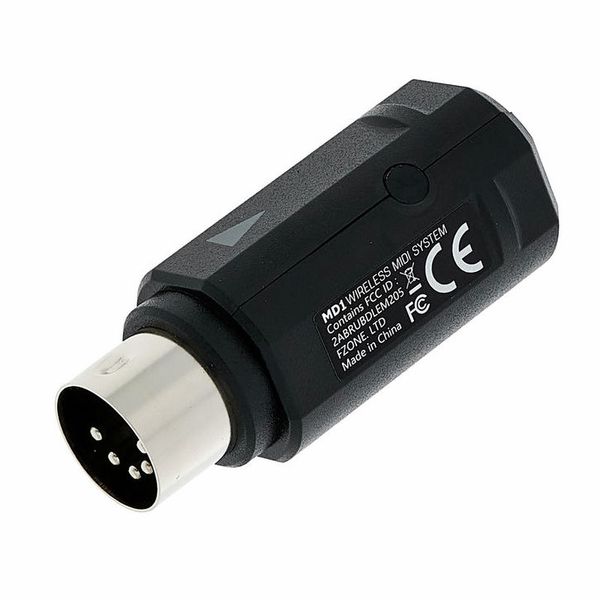
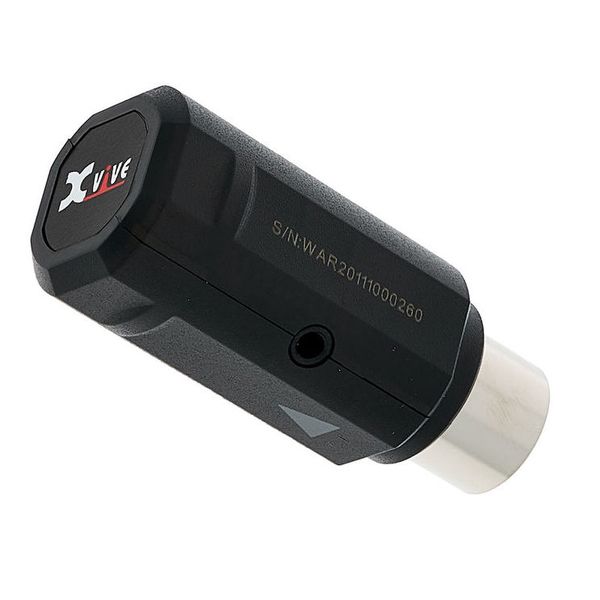


Digital Wireless MIDI System
- Offers simple, wireless transmission of MIDI signals
- Compatible with all MIDI devices with 5-pin MIDI-Out jack, Bluetooth MIDI Controller and Mac, iPhone, iPad, iPod Touch with Bluetooth 4.0 or later
- Compact adapters are powered via MIDI-Out - no additional power source required
- Bluetooth 5 offers fast and secure signal transmission (3 ms latency)
- Automatic pairing guarantees easy and uncomplicated use
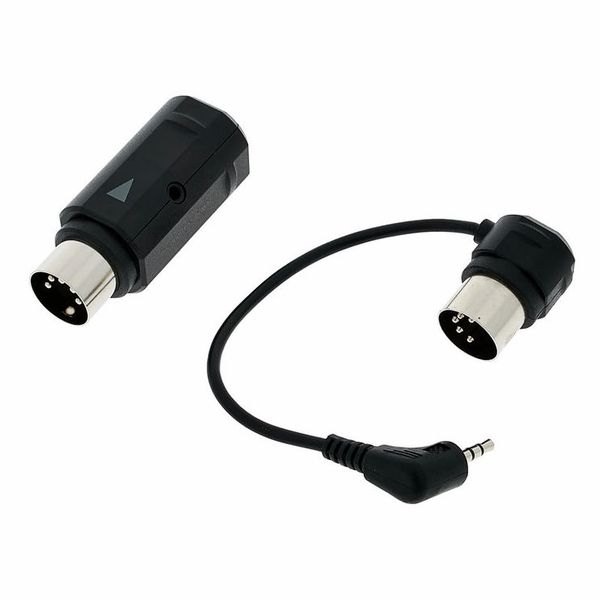
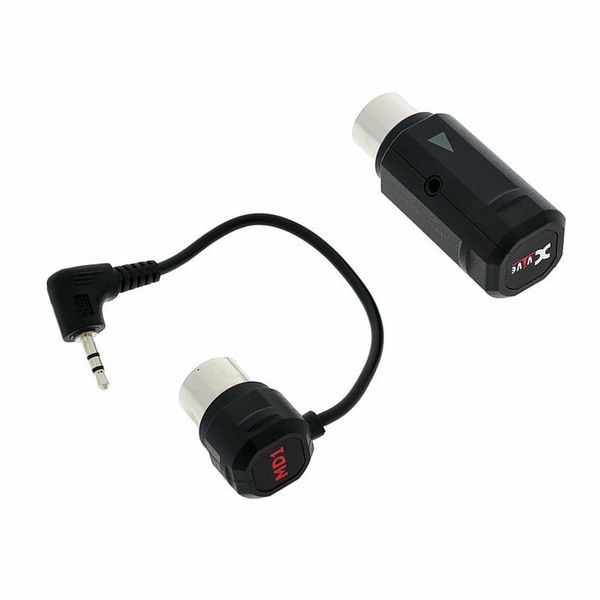
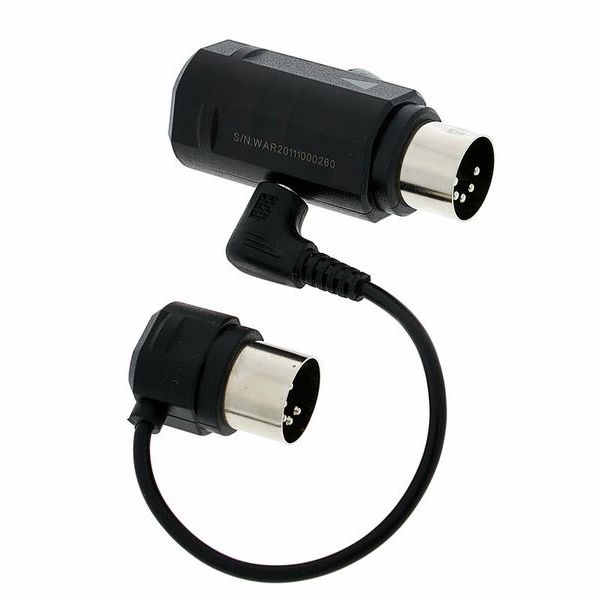
- Modular design of main and sub-adapter
- Up to 20 m range (without obstacles)
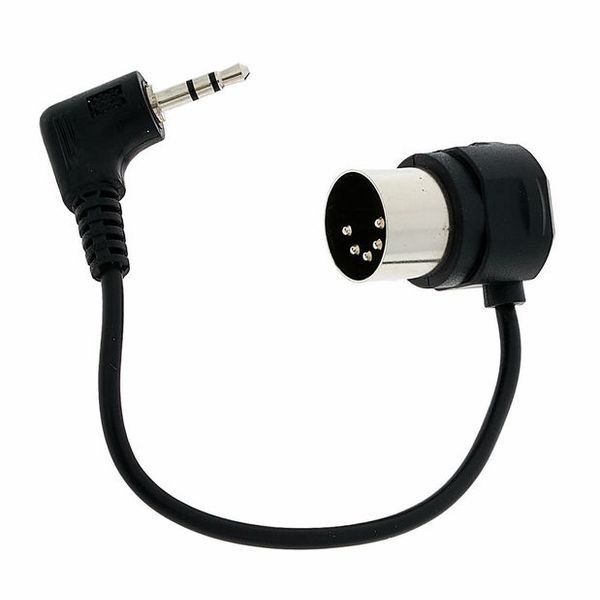
- 5-Pin MIDI connector
- Status LED
- Wireless update via the XVive app (iOS/Android)
- Power supply dimensions (L x W x H): 49 x 21 x 21 mm
- Dimensions Sub Adapter (L x W x H): 24 x 18 x 18 mm
- Weight power supply: approx. 12 g
- Weight Sub Adapter: approx. 11 g
Note: Register your product at www.w-distribution.de/Warranty and extend the warranty to 4 years.
-
Available since November 2025
-
Item number 513735
-
Sales Unit 1 piece(s)
-
Wireless MIDI Yes
-
Midi Thru No
-
MIDI Merge No
-
MIDI Controller No
-
MIDI Converter / Interface No
-
MIDI Electronics No
MIDI is in the air!
The XVive MD1 Wireless MIDI System allows general MIDI devices, such as synthesizers and MIDI controllers, to connect to Bluetooth 4.0 devices such as iPhones, iPads, and Mac computers. Additionally, two legacy MIDI instruments can be connected via their DIN connectors using two Xvive MD1 Wireless Systems. When operating via Bluetooth in iOS, the Xvive MD1 achieves a latency of just 3ms, however Bluetooth version 4.0 (which incorporates Bluetooth Low Energy technology) must be installed. Connecting two legacy MIDI devices is also possible and very straightforward thanks to the Automatic Pairing functionality. With its range of 20 metres, the XVive MD1 Wireless MIDI System will provide great freedom of movement to musicians on stage or in the studio, hassle-free.
)
Quick and easy transmission
The Xvive MD1 Wireless MIDI System consists of two parts: The Main Adapter connects to and also draws power from the MIDI OUT DIN socket of the MIDI hardware (thus eliminating the need for an external PSU), while the Sub Adapter, itself powered by the Main adaptor via a fixed 3.5mm cable, connects to the MIDI IN DIN socket of the hardware. A blue LED indicates the pairing status by slowly flashing and then remaining constant. Once the MIDI or Bluetooth connection is established, the LED flashes as data are being transmitted.
)
More freedom for musicians
The XVive MD1 Wireless MIDI System is designed for musicians wishing to transmit MIDI data wirelessly from controller to sound source, offering a great degree of freedom and mobility during live shows or studio sessions. As mentioned earlier, two hardware MIDI devices can be wirelessly connected using two XVive MD1 MIDI systems, greatly extending its functionality. Any MIDI setup becomes possible, combining analogue and digital synthesizers, MIDI controllers, MIDI interfaces, MIDI wind instruments, V-accordions, MIDI drums, electric keyboards, audio interfaces, and digital mixing consoles - the possibilities are limitless.
)
About Xvive Audio
Xvive Audio officially entered the market in 2012 with its compact U2 wireless guitar system. Since then, the company has also been involved in the development of wireless microphone technology. Its catalogue also includes effects pedals, such as the Signature Series, which were developed in partnership with guitarist Thomas Blug. The products are designed by an American team, based in Pasadena, California, which is composed of musicians and engineers and draws on decades of professional experience. Its lead designer, Howard Davies, was previously employed at Electro Harmonix and Pigtronix, among others. Xvive Audio's goal is to create products that deliver exceptional sound and build quality, while remaining affordable for any musician.
Secure pairing with iOS devices
To use the XVive MD1 Wireless MIDI System with iOS devices, the free application "midimittr", available on the Apple App Store, must be installed after activating Bluetooth. In the "Device" menu, the "Pair" function activates Bluetooth pairing. Once connected, the XVive MD1 will simply display "Connected". The midimittr app must run in the background of the iOS at all times. The MIDI data received by the Bluetooth device can be assigned to the desired DAW (Cubasis, for example) via the Audio MIDI Setup menu of the application.